
What an AI agent is, in plain words
Learn what an AI agent is, how it differs from a chatbot or fixed workflow, and four questions to ask before giving it access to your work.
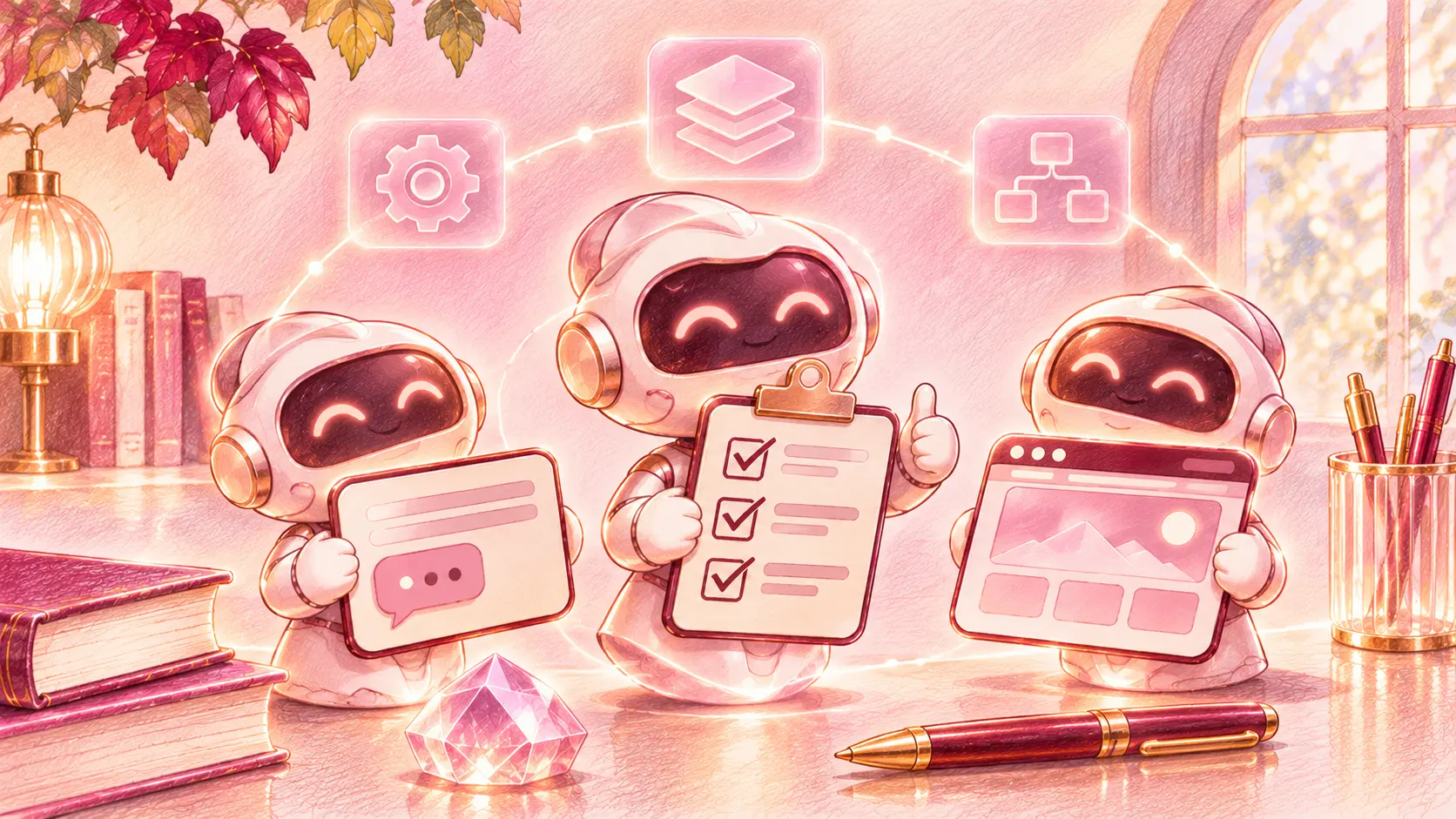
An AI agent is software that uses AI to choose and carry out steps towards a goal, using the tools and access it has been given. It can inspect information, decide what to do next and adjust when results change. You still set its boundaries and decide which actions need approval.
Think of the difference between asking someone for directions and asking them to help you make the journey.
Both are useful. But they involve different levels of responsibility.
From answering questions to carrying out work
Imagine you have a folder filled with documents that need organising.
You ask an AI assistant, “How should I organise these files?”
It might suggest categories, folder names and a checklist. You still need to open the files, create the folders and move everything yourself.
Now imagine giving an AI agent access to a designated practice folder.
Depending on its tools and permissions, it could inspect filenames, identify document types, propose a new structure and carry out approved changes.
Instead of receiving instructions alone, you receive work that has been completed or prepared for your approval.
An AI assistant primarily helps you think, write or decide. An AI agent can also take steps towards completing a goal.
The boundary is not absolute. Some AI assistants can already use tools and perform actions. What matters is the system’s capabilities, how independently it selects actions and what authority you have given it.
Is a chatbot the same as an AI agent?
Not necessarily.
A chatbot describes the conversational interface you interact with. It does not tell you whether the underlying system is an assistant, an agent or a simpler automated service.
A chatbot might answer questions from a document. Another chatbot might connect to a calendar, check availability and create an event with your approval.
They may look nearly identical on screen, even though their underlying capabilities differ.
The important question is not whether you are typing into a chat window.
It is what the system can actually do after receiving your request.
How does an AI agent complete a task?
An AI agent generally works towards a defined goal by using the information and tools available to it.
Consider an example involving a small business preparing for a team meeting.
This example is fictional.
The business owner wants to turn a collection of practice meeting notes into a task list.
An agent with appropriate permissions might follow these steps:
- Understand the goal. Read the request and identify the intended output: a list of tasks with owners, deadlines and unanswered questions.
- Gather information. Open the permitted practice documents and extract relevant details.
- Carry out the work. Arrange the information into a structured task list, identifying anything unclear instead of inventing missing details.
- Return the result for review. Present the completed draft, identify its sources and flag items requiring confirmation.
An agent may decide which available tool to use next based on what it discovers.
Taking an action alone does not make software an agent. In a predefined workflow, the software follows prescribed paths. An agent chooses its next steps and tools based on what it discovers. Anthropic explains this distinction between workflows and agents.
However, flexibility also creates opportunities for mistakes. A sensible setup limits what an agent can change without approval.
Where do AI skills fit?
You may also hear people talking about “AI agent skills”.
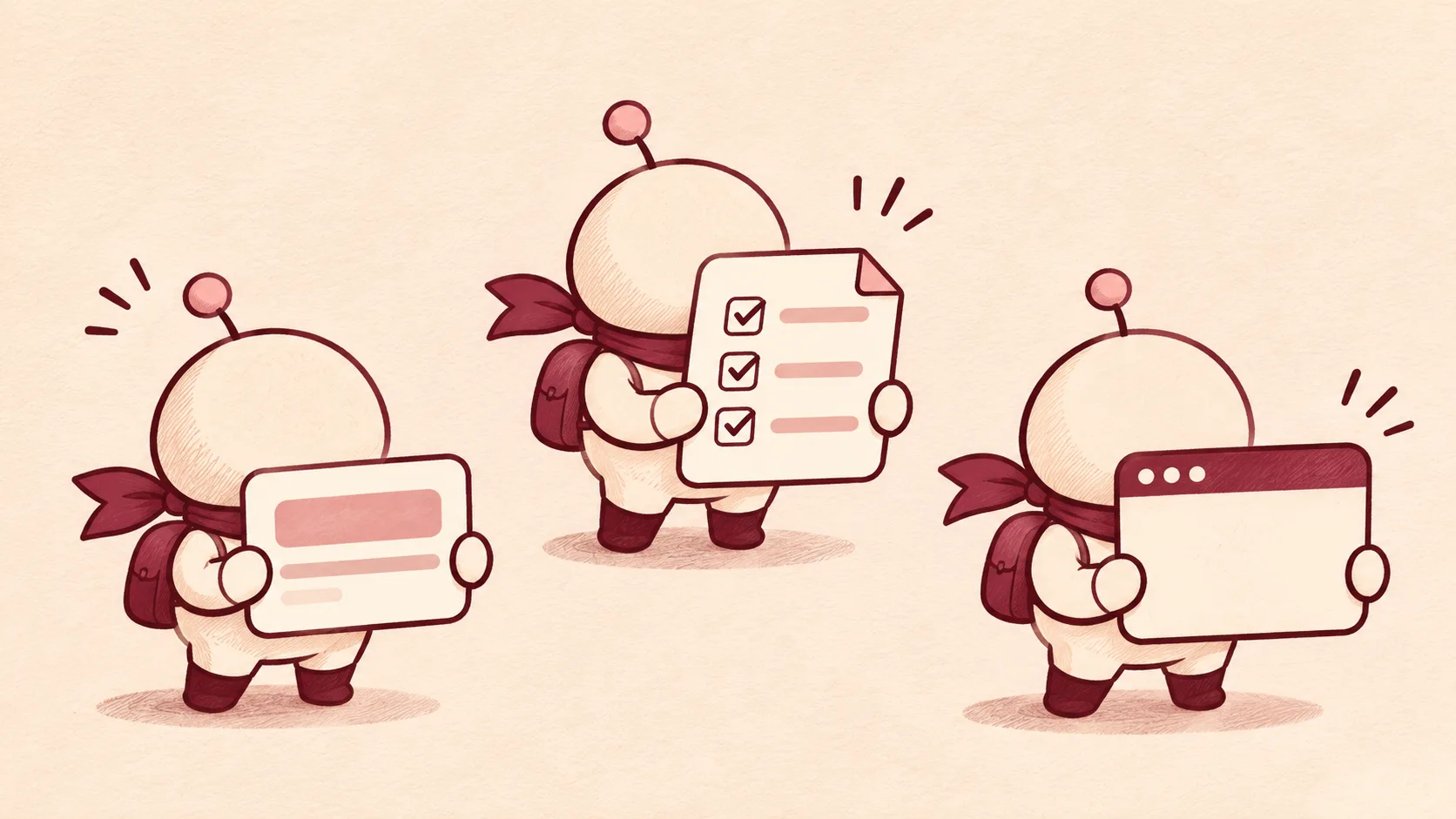
In the Agent Skills format, a skill is a reusable collection of instructions and supporting material that helps an agent perform a particular kind of task.
According to Anthropic’s explanation of Agent Skills, a skill is organised as a folder containing a SKILL.md file. The folder can also include scripts, reference documents and other resources.
Think of it as a set of working instructions you can give to a new team member.
For example, a content-review skill might explain how to check an article’s structure, verify claims, review its spelling and prepare a list of suggested edits.
The agent uses those instructions when the task is relevant.
A useful distinction is:
- The agent works towards the goal.
- The tools let it interact with files, applications or other systems.
- The skill explains how to perform a particular task.
- The permissions determine what the agent is allowed to access or change.
A skill does not automatically grant access to your files or accounts.
For a deeper explanation, read Agent Skills are now an open standard: the beginner’s view.
Four questions to ask before trusting an AI agent
Before giving an agent access to your work, ask four practical questions.
1. What can it see?
Does it need access to one folder, your entire drive or an external account?
Give the agent only the information and permissions required for the specific task.
If it is organising a practice folder, there is no reason to grant access to confidential client records.
2. Who checked the output?
An agent can produce a professional-looking result while misunderstanding a document or overlooking an important detail.
Decide who will review its work before anyone relies on it.
For example, a person should verify the facts, ownership and deadlines in a generated task list before it becomes the team’s official record.
3. What happens if it is wrong?
Consider the consequences of an incorrect action.
A badly organised draft is inconvenient. An incorrect payment, deleted file or message sent to the wrong recipient can cause more serious problems.
Use approval steps for important actions and define what the system should do when it encounters uncertainty.
4. Can I undo it?
Check whether the system records its actions, preserves original files or allows changes to be reversed.
For an early experiment, ask the agent to propose changes before applying them.
Keep backups where appropriate, and prefer drafts over irreversible actions.
These questions are not reasons to avoid AI agents. They help you use them with clearer boundaries.
Do you actually need an AI agent?
Not every task requires an agent.
If you need to understand a concept, brainstorm ideas or improve a paragraph, an AI assistant may be enough.
If you have a task involving several steps, different files or connected applications, an agent may be worth exploring.
Try the practice-folder example first: ask for an organisation plan, then compare it with the original documents before allowing any changes.
Clear instructions matter in either case. Our guide, Improve an AI answer by fixing the brief, explains how to give an assistant the task, context, limits and format it needs.
Keep your judgement in the loop
An agent can handle the steps it is equipped to perform, but you remain responsible for deciding whether the result is ready to use. Start with one task you understand well enough to check. Expand its access only when you have a reason to trust the process.