
Two tools, one task: compare AI assistants fairly
Compare AI assistants using the same brief, source material and checklist. Check accuracy, missing information and review effort before choosing.
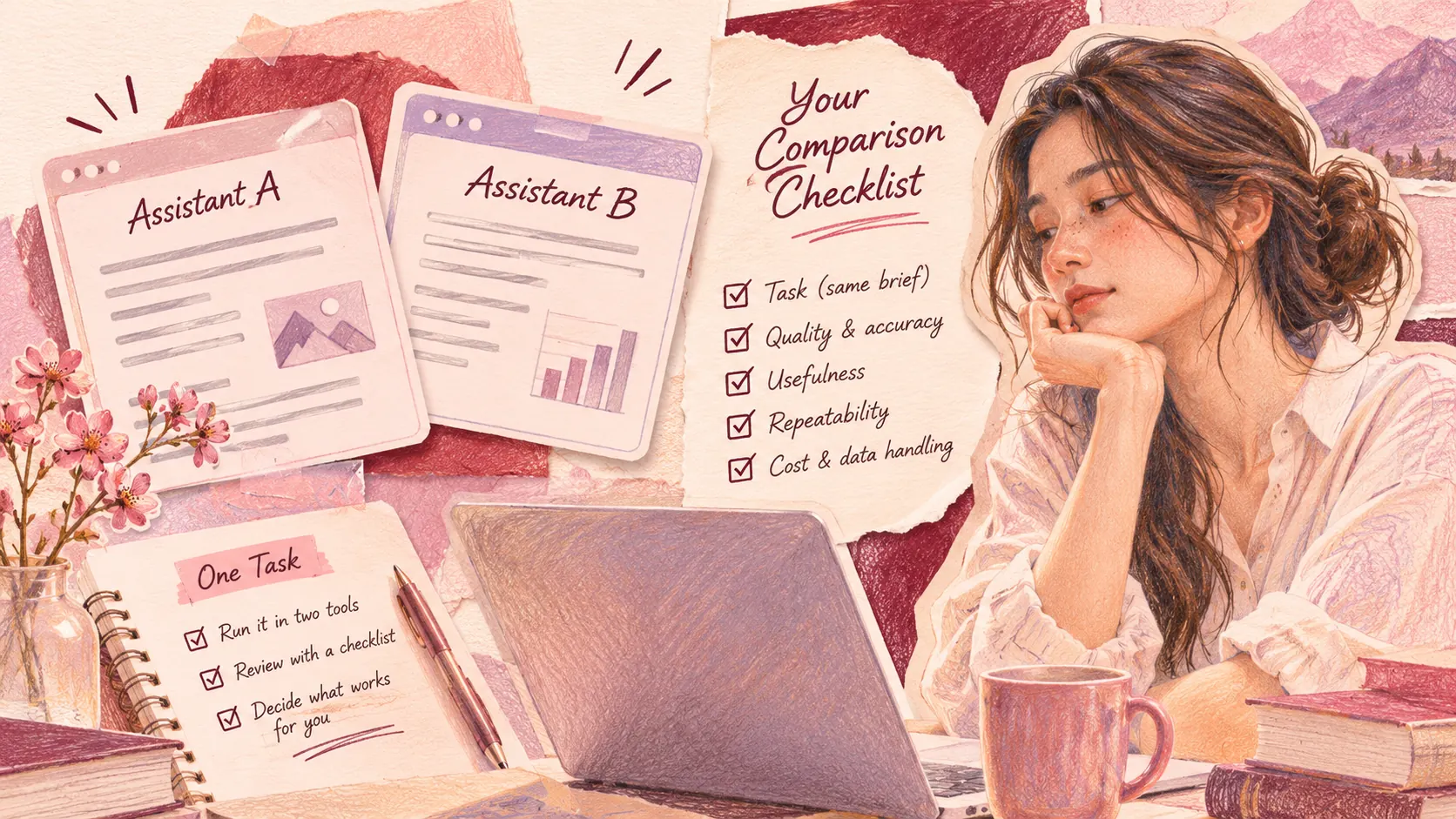
To compare AI assistants fairly, give two tools the same task, instructions and information, then check their answers against one clear set of requirements. The better choice is the assistant that produces the more accurate, useful and reviewable result for your work, not necessarily the one with the most impressive presentation.
With so many AI tools competing for attention, it is tempting to choose one based on a recommendation, a viral demonstration or a list of features you might never use.
There is a simpler way to make that decision.
Take one small task you already understand. Give it to two AI assistants. Then compare what they produce.
You are not trying to discover the world’s best AI. You are trying to find out which tool is useful for something you need to do.
1. Choose a task you can judge yourself
Start with work where you already know what a good result should look like.
You might ask an assistant to organise a set of fictional meeting notes, improve a paragraph, summarise a short document or turn a rough explanation into a checklist.
Avoid starting with unfamiliar research or complicated technical questions. If you cannot verify the answer, you cannot confidently judge whether the assistant performed well.
A useful first task should have three qualities:
- Small enough to review: You can examine the original material and the answer without specialist help.
- Clear enough to assess: You know which facts, details and instructions must be preserved.
- Safe enough to practise: You can use fictional information without exposing private documents or sensitive business data.
For this experiment, we will use a short meeting summary.
2. Write one brief for both assistants
Before opening either tool, write your instructions.
A fair comparison begins with the same request. Otherwise, you might be testing differences in your prompting rather than differences between the assistants.
Use four parts:
- Task: What should the assistant produce?
- Context: Who is the result for, and what information should it use?
- Limits: What must it preserve, avoid or leave unanswered?
- Format: How should the final answer be organised?
Here is a reusable example.
Task: Turn the following meeting notes into a short action list.
Context: The notes describe a fictional team preparing a workshop. The team needs to identify responsibilities, deadlines and missing information.
Limits: Use only the supplied notes. Do not invent deadlines, names, commitments or completed tasks. Mark information that has not been confirmed.
Format: Create a table with columns for Task, Owner, Deadline and Status. Add a short section listing unanswered questions.
Copy the entire brief into both assistants without changing the wording.
A useful comparison needs consistent instructions, not increasingly elaborate prompts.
3. Run the same test in two AI tools
Open your first AI assistant, start a fresh conversation and paste the brief with your practice material.
Save its response.
Then open your second assistant, start another fresh conversation and submit exactly the same information.
For a fairer test, keep the conditions as similar as possible. Avoid enabling internet browsing, file access or extra tools in only one assistant if those capabilities are not part of what you want to compare.
Record the tool and model name, test date, subscription tier and enabled settings. A fresh conversation can still use saved memory or custom instructions, so disable those where possible or note the difference.
Do not correct the first answer before collecting the second.
You want to see how each assistant responds to the original instructions, including what it does when information is missing.
If one tool produces a longer answer, that does not automatically make it more useful. More words can mean more explanation, but they can also introduce details you never requested.
4. Compare both answers against one checklist
Now comes the part that matters more than the presentation.
Read each answer alongside your original notes and instructions.
Use the same questions for both.
- Accuracy: Were the original facts preserved correctly?
- Completeness: Were all requested tasks and details included?
- Uncertainty: Did the assistant identify missing information rather than invent it?
- Instruction-following: Did it respect your limits and requested format?
- Review effort: How much correction would you need before using the result?
Mark each item as Pass, Needs correction or Fail.
A response that looks polished but invents a deadline should not pass the accuracy check.
A response that correctly identifies missing information might look less complete, yet be more trustworthy.
The purpose of the checklist is to separate useful work from confident-looking output.
5. A fictional comparison: two answers, one task
This example is fictional. The responses below are illustrative, not results from actual AI platforms.
Imagine the original meeting notes say:
“The workshop outline is ready. Maya will review the slides. Registration details are still being discussed. The team has not confirmed a launch date.”
You give those notes and your four-part brief to two assistants.
Assistant A produces a polished table. It lists Maya as the slide reviewer, but also adds a Friday deadline and states that registration opens next week.
Neither detail appeared in the notes.
Assistant B produces a simpler table. It correctly identifies Maya’s responsibility, marks the deadline as unconfirmed and lists the registration details and launch date as unanswered questions.
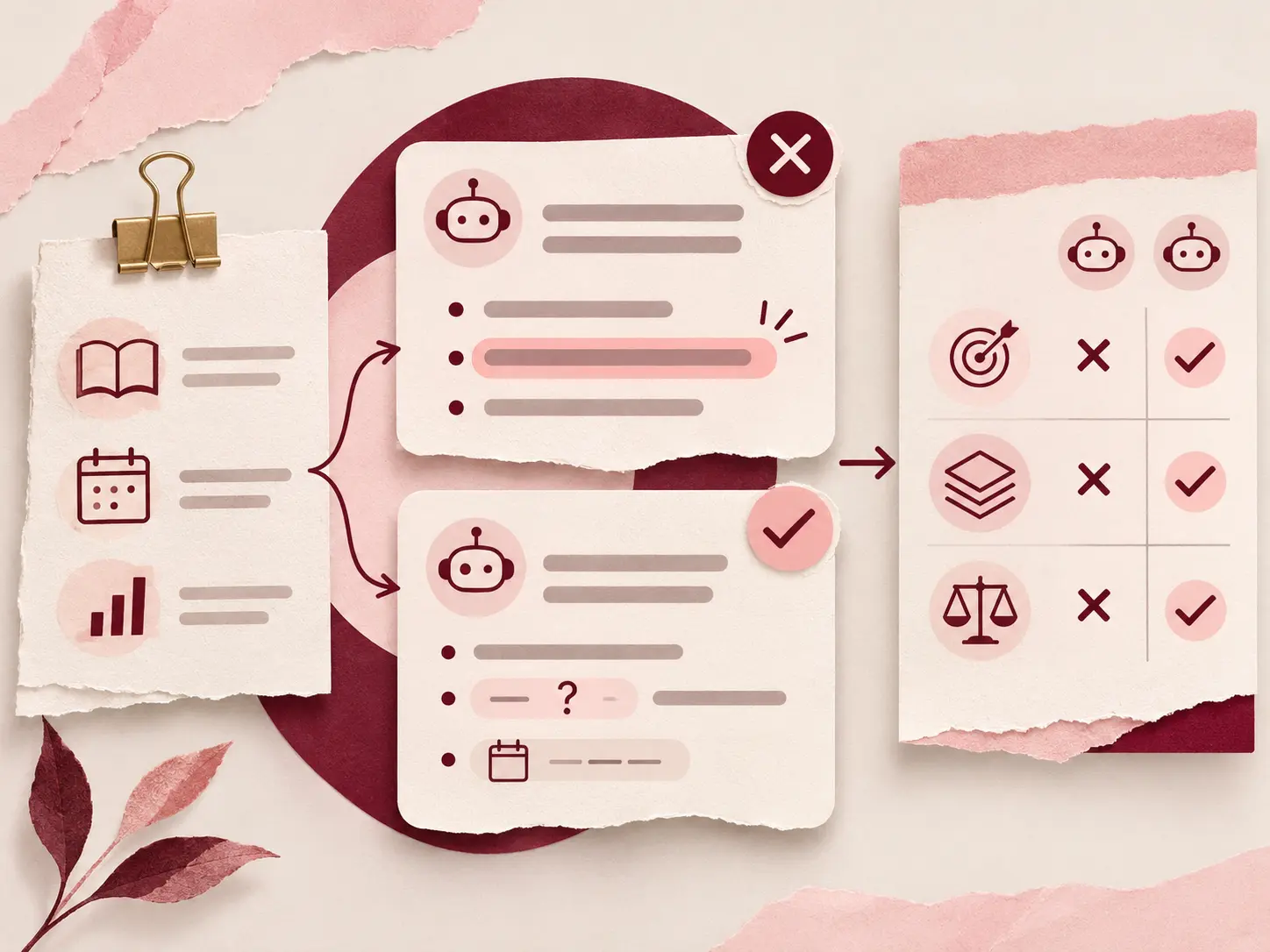
Both answers appear organised.
But Assistant B performs better against the stated requirements because it preserves uncertainty instead of replacing missing information with guesses.
That does not mean Assistant B would perform better on every task.
It means its response was more suitable for this particular exercise.
This is why your own checklist matters more than somebody else’s general ranking.
Repeatability
Repeat the same task in fresh conversations with both assistants before drawing a conclusion.
Does the assistant still follow your instructions and preserve important facts?
One successful answer is useful evidence, but it does not guarantee consistent performance.
6. What if both assistants perform equally well?
Sometimes both tools will produce answers that pass your checklist.
That is when secondary considerations become useful.
Cost
Consider what each tool would cost for your actual usage.
Check the provider’s current pricing, usage limits and any restrictions on the features your task needs.
Do not assume that a paid tool is automatically better, or that a free option will meet every requirement.
Data handling
Before sharing real work, review how the provider handles your information.
Check its data retention rules, training settings, available privacy controls and any relevant workplace policies.
The tool that produces an excellent answer may still be unsuitable for confidential material.
What should not decide the winner?
Personal wording preferences should not outweigh factual accuracy.
One assistant may sound warmer. Another may use shorter sentences.
Unless writing style is a defined requirement of your task, a preference for one tone is not evidence that the underlying answer is more reliable.
You can often request a different tone. Recovering missing facts or correcting invented information requires more careful work.
7. When should you test AI assistants again?
AI tools change.
Providers update models, introduce new capabilities, change limits and adjust how their products work.
A comparison you conducted previously may no longer reflect what the same tools can do today.
Repeat your test when:
- A model or feature you rely on changes.
- Your task becomes more complicated.
- You begin handling a different type of information.
- Pricing or data-handling policies change.
- You notice that previously reliable results now require more correction.
Keep a dated copy of the brief, the responses and your checklist.
That gives you something concrete to compare the next time, instead of relying on what you remember about a tool’s performance.
Choose the tool that earns its place in your work
Learning how to choose an AI tool does not require mastering every new model or reading every product announcement.
It starts with understanding your own task.
When you compare AI assistants using the same instructions and review criteria, you begin making decisions based on evidence you can inspect.
The result may be that one assistant suits your writing tasks, another is useful for organising information, or your existing tool is already sufficient.
You do not need a winner for everything.
One clear task, one consistent brief and one honest review can tell you more about usefulness than a collection of impressive demonstrations.
If you are just beginning, start with Learn AI with one small, useful task. For a closer look at reusable AI instructions, read Agent Skills are now an open standard: the beginner’s view.